 Really Fast CRM
Home / Google Sheets CRM
When your Google Sheets CRM stops working
A spreadsheet is a fine first CRM. Then the team grows, follow-ups slip, and nobody knows which row is current. Bring the sheet with you, and keep the speed.
Signs you’ve outgrown the sheet
- A follow-up was forgotten because nothing reminded anyone.
- Two people edited the same row, or kept their own copy.
- You can’t see what happened with a client last month, only what the cell says today.
- The deal sheet, the contact sheet and the notes don’t link to each other.
Measured on 10,000 contacts with a slowed processor. How we measure
What a CRM adds
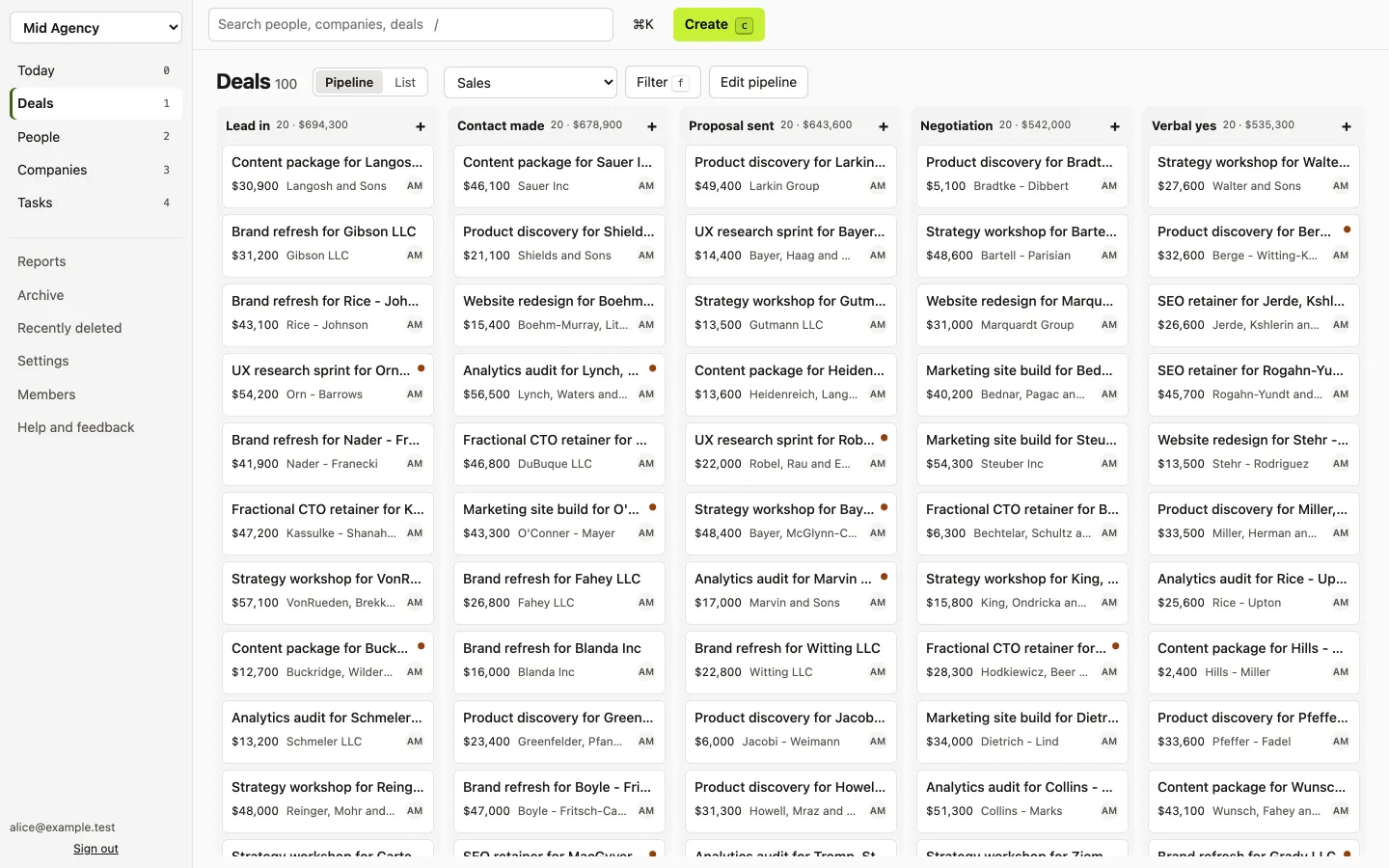
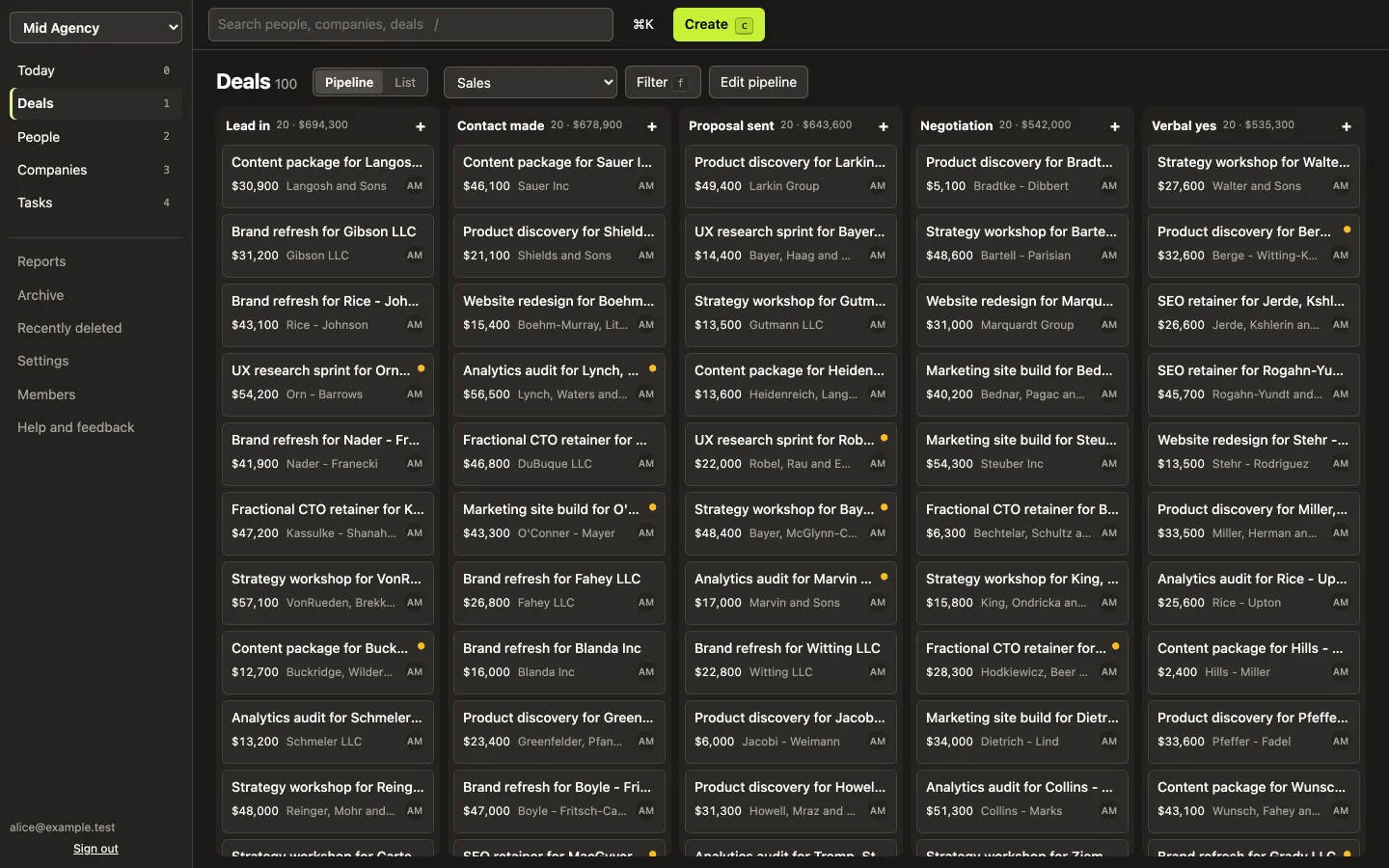
- A pipeline board: drag deals from stage to stage, with the count and value of each stage.
- Reminders: a task with a due date on every deal, and a Today page with what’s overdue, due today, or has no next step.
- History: every record has a timeline of notes, tasks and changes, with who made them.
- Links: a person belongs to a company, a deal to both. Open one and see the rest.
What you keep from the sheet
Speed. Most CRMs make you wait on every click, which is why many teams stay in a spreadsheet. Really Fast CRM opens every record and search result at once, and has keyboard shortcuts for everything. How fast
Your columns, too: anything without a home becomes a custom field.
Moving your sheet
- In Google Sheets, choose File → Download → Microsoft Excel (.xlsx) or Comma Separated Values (.csv).
- Import it in Really Fast CRM. Match each column to a field, or create a custom field for it.
- Check the preview before anything is saved: what will be created, what matches records you already have, and any row with a problem. Undo the whole import in one click.
A good fit if
- Your team shares one sheet of leads and deals
- Follow-ups depend on someone remembering
- You want a CRM that feels as quick as the sheet
Probably not if
- You use the sheet for calculations and models
- Only one person reads it, and that works fine
Questions
Does it sync with Google Sheets?
No. You import the sheet once and work in the CRM from then on. You can export everything as CSV files at any time.
What if my sheet has deals and contacts on one tab?
Importing one kind of record at a time works best: companies, then people, then deals. Split the tab first, or import it as deals and add people as you go.
Is there a free plan?
No, but there’s a 7-day free trial without a card. After that it’s $5 per user a month billed yearly, or $6 monthly. Pricing
Feel it for yourself
Start your free trial today, or try the live demo first.
Start free trial Try the live demo
7 days free, no card. Then $5 per user a month, billed yearly.