Home / Webflow CRM
Every Webflow lead in your CRM, with a follow-up
Connect a Webflow form once. Each submission becomes a person with every answer in a note, a task to follow up today, and a deal if you want one.
Connect it in two minutes
- In Really Fast CRM, open Integrations → Webflow and click Connect Webflow. Choose whether each lead also makes a deal, and in which stage, and who gets the follow-up task. Then copy the address.
- In Webflow, open the site settings, then Apps & integrations → Webhooks.
- Add a webhook with the trigger type Form submission and paste the address.
- Publish the site and send a test from the live form. Really Fast CRM shows what it added.
Measured on 10,000 contacts with a slowed processor. How we measure
What each submission adds
- The person, with their email and phone, and their company when the form asks for it.
- A note with the form’s name and every answer, so nothing the visitor typed is lost.
- A follow-up task, due today, for the member you choose: an email when there’s an address, a call when there isn’t.
- A deal, if you turn it on, in the stage you choose. A “Budget”, “Price”, “Value” or “Amount” answer that is a plain number becomes its value.
Good to know with Webflow
- The webhook is for the whole site: every form on it sends to the same address. The note starts with the form’s name, so you can tell them apart.
- Webflow sends each field by the name you gave it in the Designer. Name them “Name”, “Email”, “Phone” and “Company” to fill the person’s fields.
You stay in control
- The same email again goes on the existing person, and on their open deal, not a duplicate.
- No name and no email in a submission? Nothing is saved, and Webflow shows the error.
- Pause the connection with one switch, and see every submission and what it added in its history.
The CRM behind it
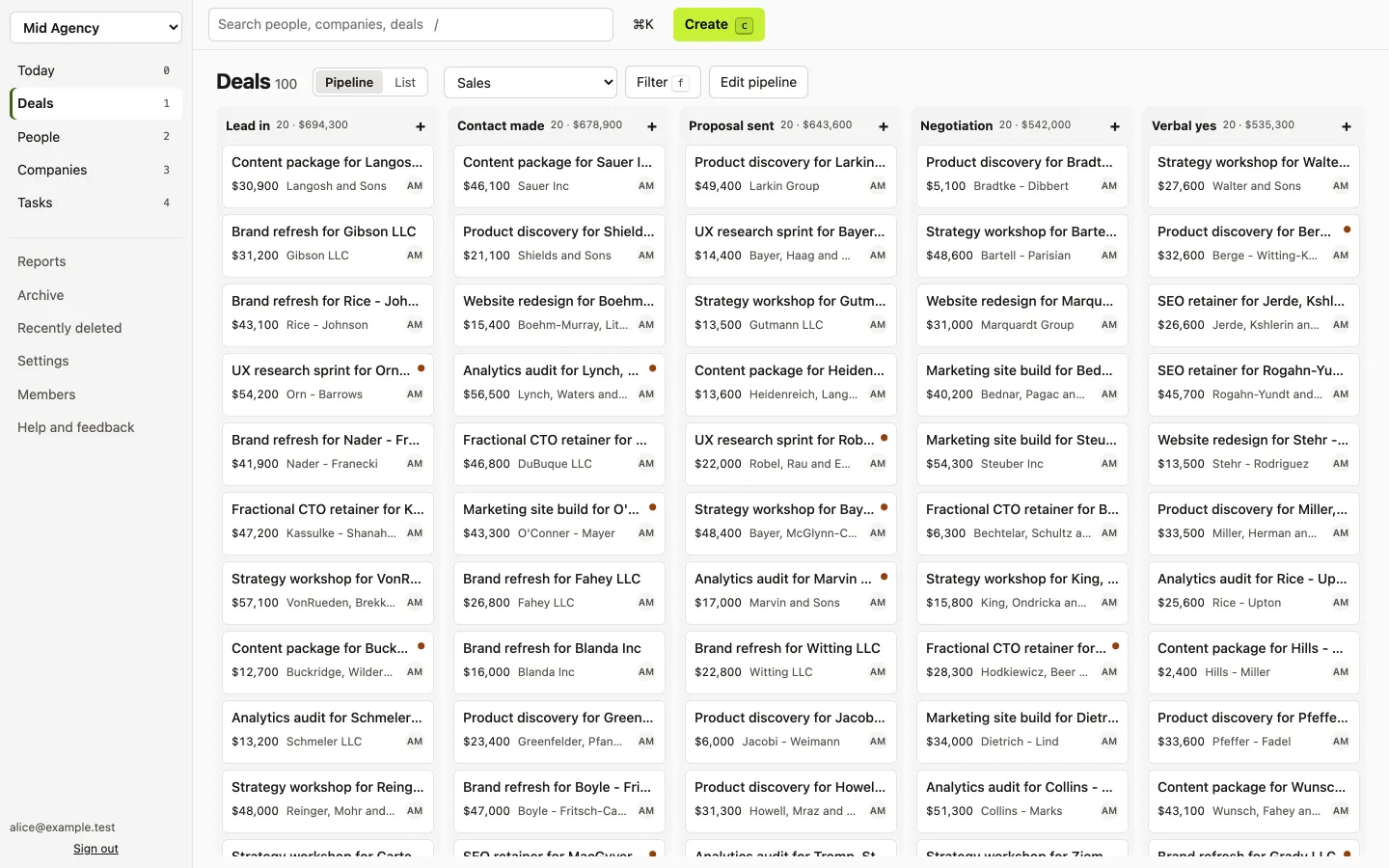
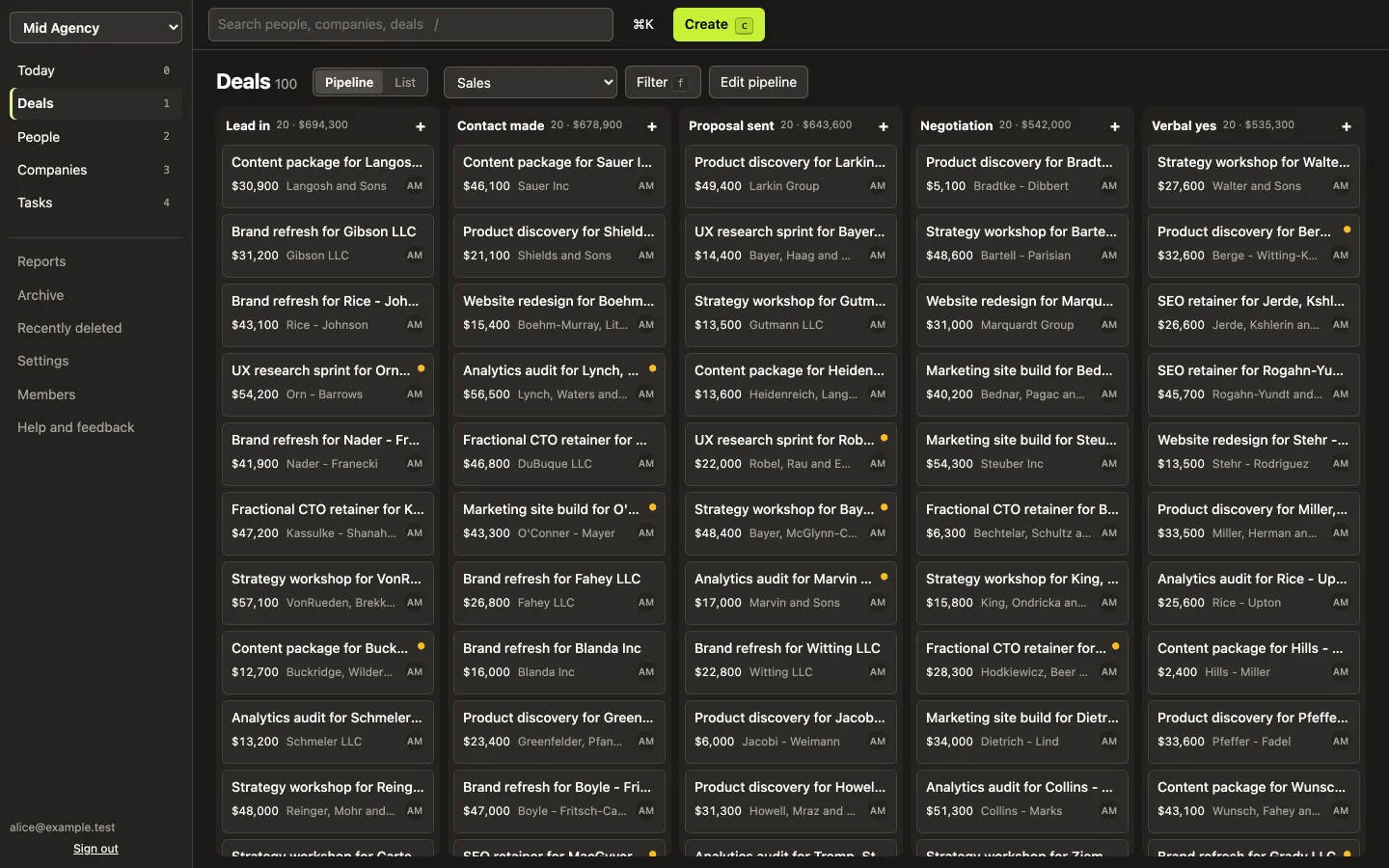
The leads land in a full CRM: the pipeline board, people and companies, tasks with a week calendar, a Today page and reports. Every screen opens instantly. One plan with everything: $5 per user a month billed yearly, $6 monthly.
Other form tools work the same way: all integrations.
Questions
Do I need Zapier or Make?
No. Webflow sends each submission straight to Really Fast CRM with a webhook. Nothing in between, and nothing extra to pay for.
What if the same person fills in the form twice?
The second submission goes on the person who already has that email, as a new note and task. With deals turned on, the note also goes on their open deal in that pipeline.
Can I connect more than one form?
Yes. Each form gets its own address, with its own settings and history.
Do I need a Really Fast CRM account?
Yes. Start a 14-day free trial with your email. No card.
Try it on your own pipeline
Bring in your Pipedrive, HubSpot or spreadsheet export, and check the preview before anything is saved. Or try the live demo first, with no sign-up.
Start free trial Try the live demo
14 days free, no card. Then $5 per user a month, billed yearly.